Log temperature readings instantly
Quickly add each temperature reading with time and notes so you never lose track of important details.
When your child has a fever, it can be difficult to remember how the temperature changed and when medication was given. KidCare Tracker helps parents log temperature readings and medication in one simple timeline.
Download KidCare Tracker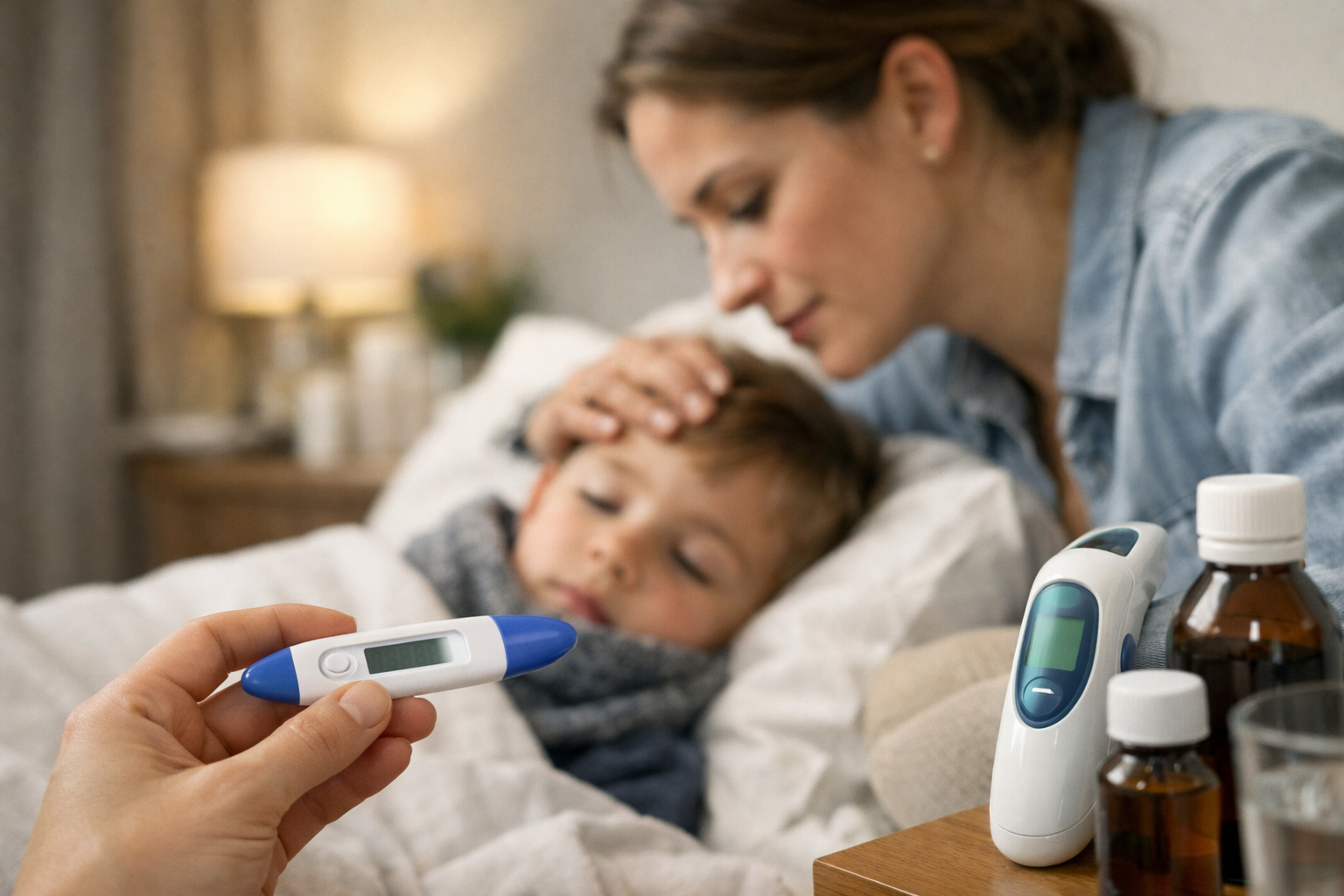
You can track your child's fever and temperature easily by logging each reading and medication dose in one timeline. KidCare Tracker helps you see when the last dose was given and how fever is changing over time.
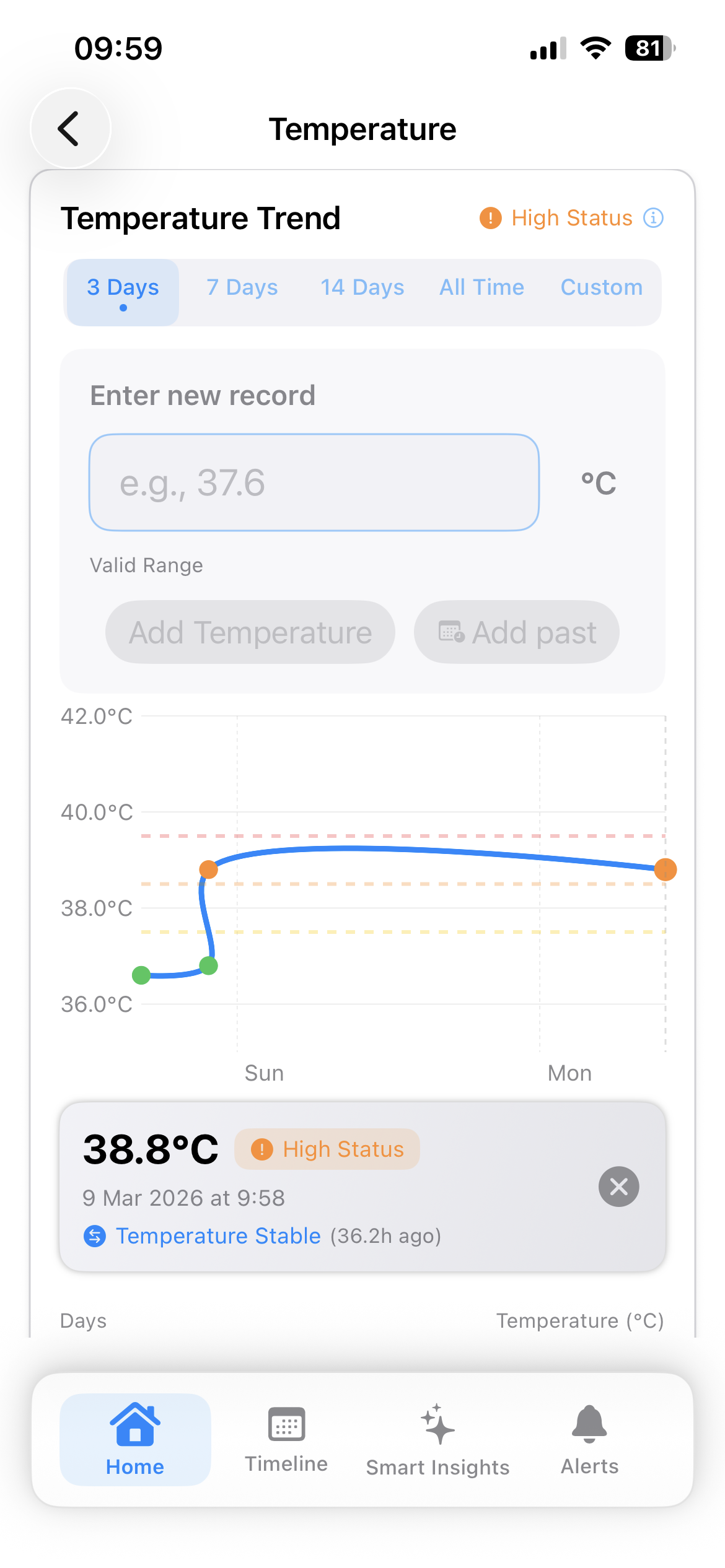
With KidCare Tracker, you can log each temperature reading and medication dose in seconds. The app keeps a clear timeline so you can see how your child's fever is changing and what you've already given.
Fever in children can change quickly. Parents often check temperature multiple times during the day or night. In stressful moments it is easy to forget:
Without tracking, this information can quickly become confusing. When you speak to a doctor or nurse, it's much easier to explain what has been happening if you have a clear record of temperatures and medications.
Quickly add each temperature reading with time and notes so you never lose track of important details.
See how your child's temperature has changed throughout the day or night in one simple timeline.
Note what you gave, how much and when, so you don't repeat doses too soon or forget a dose.
Combine temperature, symptoms and medications into a single history you can show to your doctor.
See how easy it is to log a new temperature, add medication and review your child's fever history inside KidCare Tracker.
The video shows a real example of adding a temperature reading and viewing the illness timeline.
View all temperature readings and medicines in chronological order so you always know what happened and when.
Look back at previous days to understand how long the fever has lasted and how it responded to treatment.
Record paracetamol, ibuprofen and other fever medicines with dose and time to support safer dosing decisions.
How often should I check my child's temperature?
It depends on your child's age, symptoms and what your healthcare provider recommends. Many parents check temperature every few hours during an active fever, and before giving medicine. KidCare Tracker helps you record each reading so you don't have to remember the numbers.
What temperature is considered a fever in children?
Fever thresholds vary by age and measurement method (oral, underarm, ear, rectal). In general, many doctors consider a temperature of around 38°C (100.4°F) or higher as a fever, but you should always follow the guidance of your child's doctor or local health guidelines.
When should I give fever medicine to my child?
Only a qualified healthcare professional can give medical advice. Many parents give medicine like paracetamol or ibuprofen when a child is uncomfortable, in pain, or has a higher fever, following the dose on the package or their doctor's instructions. KidCare Tracker does not tell you when to give medicine, but it helps you keep a precise record of what you have given and when.
Can I share my child's fever records with a doctor?
Yes. KidCare Tracker lets you export a PDF health report that includes temperature readings, medication doses, and symptoms in chronological order. This can be shared with your doctor before or during an appointment to give them a complete picture of your child's illness.
What is the difference between tracking fever and tracking symptoms?
Fever tracking focuses on recording temperature measurements and medication doses over time, giving you a timeline of how the fever progressed. Symptom tracking is broader and includes other signs like cough, runny nose, rash, or appetite changes. KidCare Tracker lets you log both in one unified timeline.
Keep a clear record of temperatures and medicines so you can focus on caring for your child, not remembering numbers.
Download KidCare Tracker